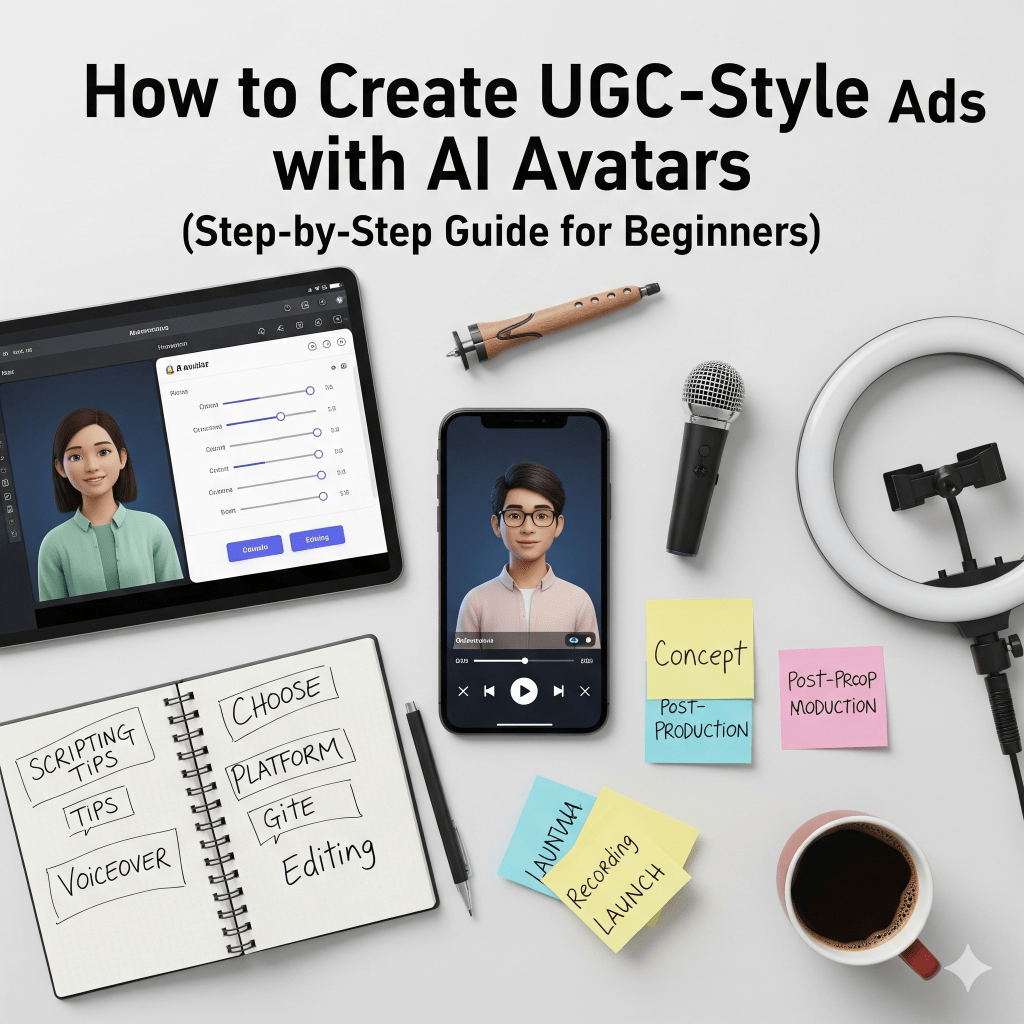
User-Generated Content (UGC) ads have transformed the way brands connect with audiences. Instead of polished studio commercials, today’s consumers trust authentic, relatable videos that feel like they’re created by real customers.
But hiring creators, managing shoots, and editing multiple versions can be expensive and time-consuming.
That’s where AI avatars come in.
With platforms like Tagshop, HeyGen, and Creatify, you can now create UGC-style ads using realistic AI avatars, without hiring influencers or filming content manually.
In this step-by-step beginner guide, you’ll learn exactly how to create high-converting UGC-style ads using AI avatars.
What Are UGC-Style Ads?
UGC-style ads are videos designed to look like organic content created by customers. They usually include:
- A person talking directly to the camera
- Honest product experience or testimonial
- Casual filming style (like Instagram or TikTok videos)
- Minimal editing and natural tone
These ads perform well on platforms like TikTok, Instagram Reels, and YouTube Shorts because they blend into native feeds instead of looking like traditional ads.
What Are AI Avatars?

AI avatars are digital humans generated using artificial intelligence. They can:
- Speak your script naturally
- Mimic facial expressions
- Sync lips accurately
- Speak multiple languages
- Record videos without a camera
Instead of hiring creators repeatedly, you can generate unlimited UGC-style videos using AI avatars in minutes.
Why Use AI Avatars for UGC Ads?
Here’s why brands and beginners love using AI avatars:
1. No Need to Hire Influencers: You don’t need to search, negotiate, or manage creators.
2. Faster Production: Create multiple ad variations in minutes instead of weeks.
3. Cost-Effective: No studio, camera crew, or editing team required.
4. Easy A/B Testing: Change scripts, hooks, or CTAs instantly and test multiple versions.
5. Multilingual Reach: Generate the same ad in different languages without recording again.
Read More: Importance of AI avatars in UGC marketing
Step-by-Step Guide to Creating UGC-Style Ads with AI Avatars
Let’s break this down into simple, beginner-friendly steps.
Step 1: Define Your Goal
Before creating your ad, decide:
- Is this for product awareness?
- Are you promoting a discount?
- Is this a testimonial-style ad?
- Do you want conversions or traffic?
Clear goals help you write better scripts.
Example goals:
- “Increase Shopify store sales.”
- “Promote new skincare product.”
- “Retarget website visitors”
Step 2: Choose the Right AI Avatar Tool
There are several AI avatar platforms available. Some beginner-friendly options include:
- Tagshop – Great for e-commerce AI UGC-style video ads
- HeyGen – Advanced realistic avatars and voice cloning
- Creatify – Designed for quick ad generation
Choose a tool that allows:
- Vertical video format (9:16)
- Custom script input
- Multiple avatar options
- Voice customization
Step 3: Write a High-Converting UGC Script
UGC ads need to feel natural and relatable.
Simple UGC Script Formula:
Hook (First 3 Seconds)
Grab attention immediately.
Examples:
- “I can’t believe this actually worked.”
- “I was skeptical at first…”
- “This is the only skincare product I use now.”
Problem – Describe a relatable issue.
Solution (Your Product) – Introduce your product naturally.
Results / Experience – Share benefits or transformation.
Call-To-Action (CTA) – Encourage viewers to take action.
Example Script
“I kept struggling with dull skin for months. Nothing really worked. Then I tried this vitamin serum and within two weeks my skin looked brighter and smoother. If you’re dealing with the same issue, you need to try this.”
Keep it conversational, not salesy.
Step 4: Select the Right Avatar Personality

Your avatar should match your target audience.
Ask yourself:
- Is your product for Gen Z?
- Is it for working professionals?
- Is it for moms?
- Is it premium or budget-friendly?
Choose an avatar that reflects your ideal customer.
For skincare, choose a relatable lifestyle avatar.
For tech products, choose a confident and clear communicator.
Authenticity increases trust.
Step 5: Customize Voice and Tone
Most AI avatar platforms allow you to:
- Adjust voice speed
- Change accent
- Choose tone (friendly, excited, calm)
UGC ads work best when the tone feels natural and casual.
Avoid:
- Robotic voices
- Overly dramatic delivery
- Sales-heavy tone
Instead, aim for:
- Friendly
- Personal
- Honest
Step 6: Add Product Visuals
UGC-style ads perform better when you show the product.
You can:
- Upload product images
- Add short demo clips
- Insert before/after visuals
- Show lifestyle usage shots
Use simple text overlays like:
- “Before”
- “After 2 weeks”
- “My honest review”
Keep visuals clean and vertical for TikTok or Instagram Reels.
Step 7: Add Captions and Subtitles
Many users watch videos on mute.
Always include:
- Auto-generated subtitles
- Bold text highlights for key points
- Short captions
Example on-screen text:
- “Real Results”
- “Game-Changer”
- “Limited Offer”
Captions improve retention and engagement.
Step 8: Create Multiple Variations
One of the biggest advantages of AI avatars is easy A/B testing.
Create variations by changing:
- Hook
- Avatar
- Background
- CTA
- Offer
Example:
Version A: “I was skeptical…”
Version B: “This went viral for a reason…”
Test which performs better.
Step 9: Export in Vertical Format
For best performance:
- Use a 9:16 ratio
- Keep the length between 15 and 30 seconds
- Optimize for TikTok, Instagram Reels, and YouTube Shorts
Shorter videos often outperform longer ones.
Step 10: Launch and Analyze Performance
Once live, monitor:
- Hook retention (first 3 seconds)
- Watch time
- Click-through rate
- Conversion rate
If retention drops early, improve your hook.
If clicks are low, adjust CTA.
AI makes it easy to update and relaunch quickly.
Best Practices for High-Converting AI UGC Ads
Keep It Real: Avoid over-polished visuals.
Focus on Benefits, Not Features: Instead of: “Contains Vitamin C and Hyaluronic Acid,” Say: “My skin looks brighter and more hydrated.”
Use Social Proof:
Add:
- Star ratings
- “Over 10,000 sold.”
- Short testimonial text
Start with a Strong Hook: If you lose attention in the first 3 seconds, the ad fails.
Common Mistakes to Avoid:
❌ Writing overly promotional scripts
❌ Choosing unrealistic avatars
❌ Making videos too long
❌ Forgetting subtitles
❌ Ignoring mobile optimization
UGC ads should feel like authentic content—not traditional commercials.
Example Workflow for Beginners
Here’s a simple workflow you can follow:
- Define product goal
- Write 3 different hooks
- Choose 2 avatars
- Generate 3–5 video variations
- Add captions
- Export vertical format
- Launch ads
- Analyze and optimize
In less than one hour, you can create multiple UGC-style ads.
Final Thoughts
Creating UGC-style ads no longer requires hiring influencers or setting up expensive video shoots. With AI avatar platforms like Tagshop, HeyGen, and Creatify, even beginners can produce authentic, high-converting ads at scale.
If you follow this step-by-step guide:
- Define clear goals
- Write conversational scripts
- Choose relatable avatars
- Add captions and product visuals
- Test multiple variations
You’ll be able to create engaging UGC-style ads that drive clicks, engagement, and conversions, without ever stepping in front of a camera. AI is not replacing authenticity. It’s helping you scale it.
Now it’s your turn to create your first AI-powered UGC ad.


Leave a Reply